AI Coding Agent Session Management Guide 2026: Context, Costs & API Routing
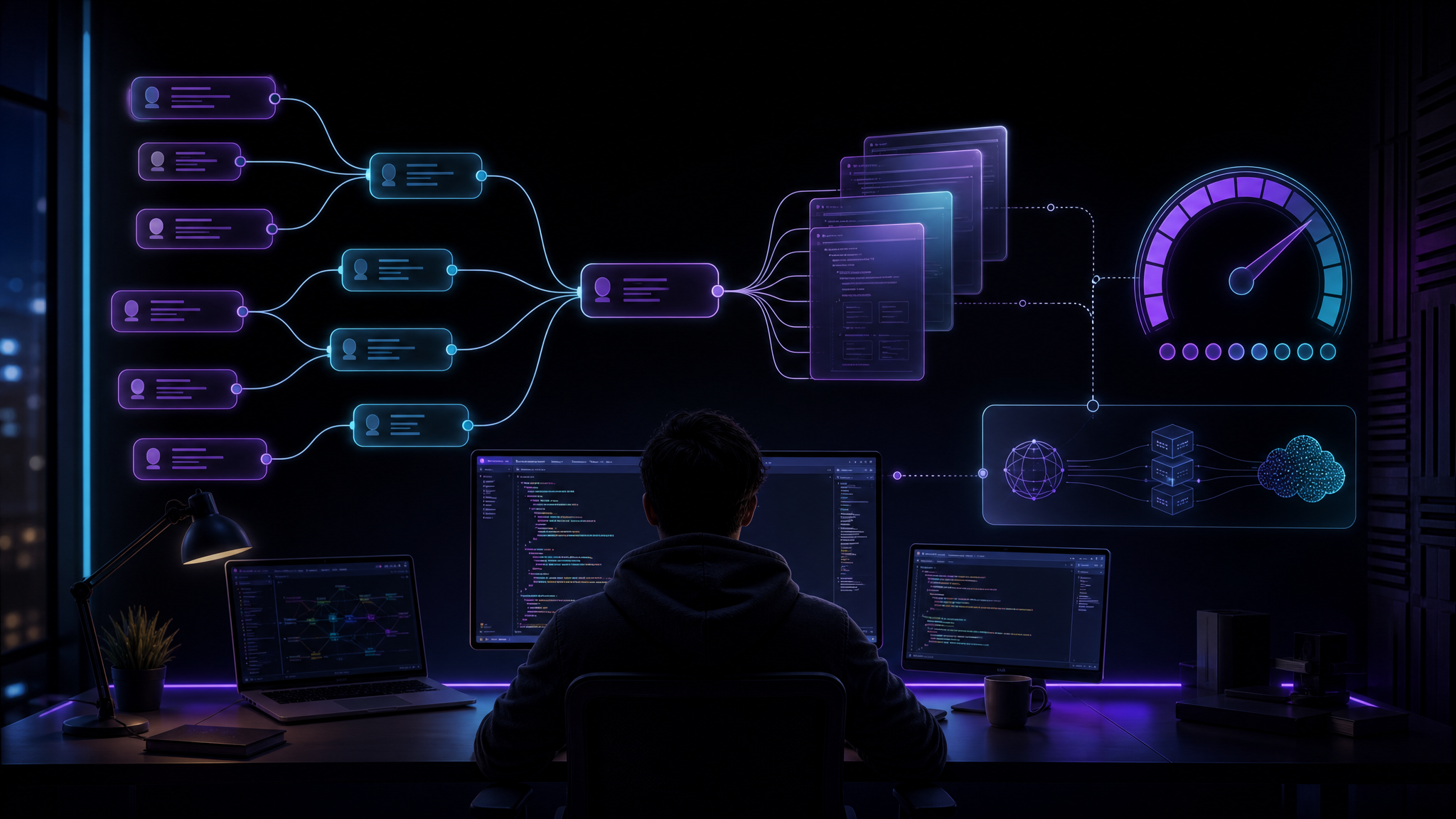
AI coding agents got good enough that the bottleneck is no longer “can the model write code?” It can. The real bottleneck is session management: what the agent remembers, what it forgets, when you branch a task, when you reset context, and which model gets each step.
If you use Claude Code, Cursor, Codex CLI, Gemini CLI, Cline, or a home-grown coding agent, this matters more than most teams admit. A messy session burns tokens, repeats decisions, edits the wrong files, and turns every review into archaeology. A clean session feels boring in the best way: small task, clear context, checked diff, done.
Target keyword: AI coding agent session management 2026. This guide is practical, not philosophical. The goal is fewer blown context windows and fewer surprise API bills.
The session is now part of your architecture
A coding agent session is not just a chat transcript. It is a temporary working memory that controls how the agent reads your repo, interprets previous decisions, writes code, and tests its own changes.
Bad sessions usually fail in predictable ways:
- The agent carries outdated assumptions after the code changed.
- The context window fills with logs, failed attempts, and unrelated files.
- One long chat handles planning, coding, debugging, release notes, and deployment.
- The same expensive model is used for every step, including grep-level tasks.
- No one records the final decision outside the chat, so the next session starts from zero.
The fix is not “buy a bigger context window.” Bigger windows help, but they also make it easier to hide junk. Treat sessions like branches: cheap to create, easy to discard, and only merged when the work is clean.
A simple session pattern that works
For most coding work, split the job into four session types.
| Session type | Purpose | Best model tier |
|---|---|---|
| Scout | Read files, map dependencies, find risky areas | Cheap / fast |
| Planner | Write the implementation plan and acceptance checks | Strong reasoning |
| Builder | Edit code and run tests | Strong coding |
| Reviewer | Inspect diff, check edge cases, write summary | Strong reasoning or separate model |
Do not use one giant session for all four. The scout session can be thrown away after it produces a short map. The planner session should output a checklist. The builder session should receive only that checklist plus relevant files. The reviewer should see the final diff, not the entire messy build transcript.
Start every agent run with a context budget
Before the agent reads half the repo, give it a budget. This sounds fussy. It saves money.
Task: Fix duplicate invoice emails after retry.
Context budget:
- Read only billing/, jobs/, and tests/billing/ first.
- Do not scan frontend unless a failing test points there.
- Summarize findings in 10 bullets before editing.
- Stop if the fix touches more than 5 files.
That tiny block prevents the agent from “helpfully” loading everything. It also gives you a clean abort condition. If the task grows beyond five files, you probably need a plan, not more autocomplete.
Use an API router instead of hard-coding one model
Session management and API routing belong together. A scout does not need the same model as a reviewer. A reviewer should not necessarily be the same model that wrote the patch. Model diversity catches weird mistakes.
With an OpenAI-compatible gateway such as KissAPI, you can keep one SDK and route each phase to a different model. Here is the basic shape with curl:
curl https://api.kissapi.ai/v1/chat/completions \
  -H "Authorization: Bearer $KISSAPI_KEY" \
  -H "Content-Type: application/json" \
  -d '{
    "model": "claude-sonnet-4-6",
    "messages": [
      {"role": "system", "content": "You are the reviewer. Inspect only the diff."},
      {"role": "user", "content": "Review this patch for retry/idempotency bugs: ..."}
    ]
  }'
For a cheaper scout pass, switch the model name. Your app code stays the same. That is the point.
Python: branch sessions by job ID
If you are building your own agent runner, give every session a job ID and phase. Store the short phase output, not the full transcript, as the input to the next phase.
from openai import OpenAI

client = OpenAI(
    api_key=os.environ["KISSAPI_KEY"],
    base_url="https://api.kissapi.ai/v1"
)

def run_phase(job_id, phase, model, prompt):
    response = client.chat.completions.create(
        model=model,
        messages=[
            {"role": "system", "content": f"Job {job_id}. Phase: {phase}. Be concise."},
            {"role": "user", "content": prompt}
        ],
        temperature=0.2
    )
    text = response.choices[0].message.content
    save_phase_summary(job_id, phase, text)
    return text

scout = run_phase("INV-421", "scout", "gpt-5.5-mini", scout_prompt)
plan = run_phase("INV-421", "plan", "claude-sonnet-4-6", scout)
review = run_phase("INV-421", "review", "claude-opus-4-6", final_diff)
The important part is not the exact models. It is the boundary. Each phase gets a compressed handoff, not a full pile of previous messages.
Node.js: protect yourself from runaway loops
Most expensive agent bugs are loops: the agent retries the same failing test, regenerates the same patch, or keeps calling tools after the answer is obvious. Add limits in code, not vibes.
import OpenAI from "openai";

const client = new OpenAI({
  apiKey: process.env.KISSAPI_KEY,
  baseURL: "https://api.kissapi.ai/v1"
});

async function askAgent({ model, messages, maxTokens = 1800 }) {
  return client.chat.completions.create({
    model,
    messages,
    max_tokens: maxTokens,
    temperature: 0.2
  });
}

const limits = {
  maxToolCalls: 12,
  maxTestRuns: 4,
  maxChangedFiles: 6,
  maxWallClockMinutes: 20
};

console.log("Agent limits:", limits);
Put these limits in your runner and in the prompt. The runner is the real guardrail. The prompt is just the sign on the fence.
What to write down between sessions
At the end of each useful session, save a short handoff. Keep it boring and structured:
- Decision: What approach did we choose?
- Files touched: Which files changed or matter?
- Tests: What passed, what failed, what was not run?
- Open risk: What should the reviewer check first?
- Next action: The one next thing, not a wishlist.
This is where many teams lose time. They trust the chat history, then start a fresh agent tomorrow with no durable memory. Add a docs/agent-notes/ folder, a ticket comment, or a small task log. The format matters less than the habit.
When to reset the session
Reset more often than you think. Start a new session when:
- The agent has tried two different fixes and both failed.
- The problem statement changed.
- The diff is larger than expected.
- You caught the agent relying on old file contents.
- You are switching from implementation to review.
A reset is not failure. It is garbage collection. The best agent users are ruthless about clearing stale context.
A production-ready routing rule set
Here is a sane default for teams using coding agents every day:
| Workload | Routing rule | Why |
|---|---|---|
| Repo search and summaries | Fast low-cost model | High volume, low risk |
| Patch generation | Strong coding model | Quality matters |
| Security-sensitive review | Different strong model | Reduces shared blind spots |
| Docs and changelog | Mid-tier model | Enough quality, lower cost |
| Long failing-debug loops | Escalate after 2 attempts | Stops token burn |
KissAPI is useful here because you can run Claude, GPT, and other models behind one endpoint, then change routing rules without rewriting every tool integration. It is boring infrastructure, which is exactly what you want under an agent workflow.
Run Coding Agents Through One API Endpoint
Use KissAPI to route Claude, GPT, and other models from one OpenAI-compatible API. Start with free credits and build your own scout → builder → reviewer workflow.
Start Free →The bottom line
AI coding agents are powerful, but they are not magic interns. They are context machines. Feed them a clean task, a tight budget, and the right model, and they move fast. Let one session sprawl for hours, and you get expensive confusion.
The best 2026 workflow is not “use the smartest model for everything.” It is session discipline: scout cheaply, plan clearly, build in a narrow branch, review with fresh eyes, and save the decision somewhere the next agent can actually use.