Claude Opus 4.7 API Access Guide 2026: Setup, Pricing & Code Examples
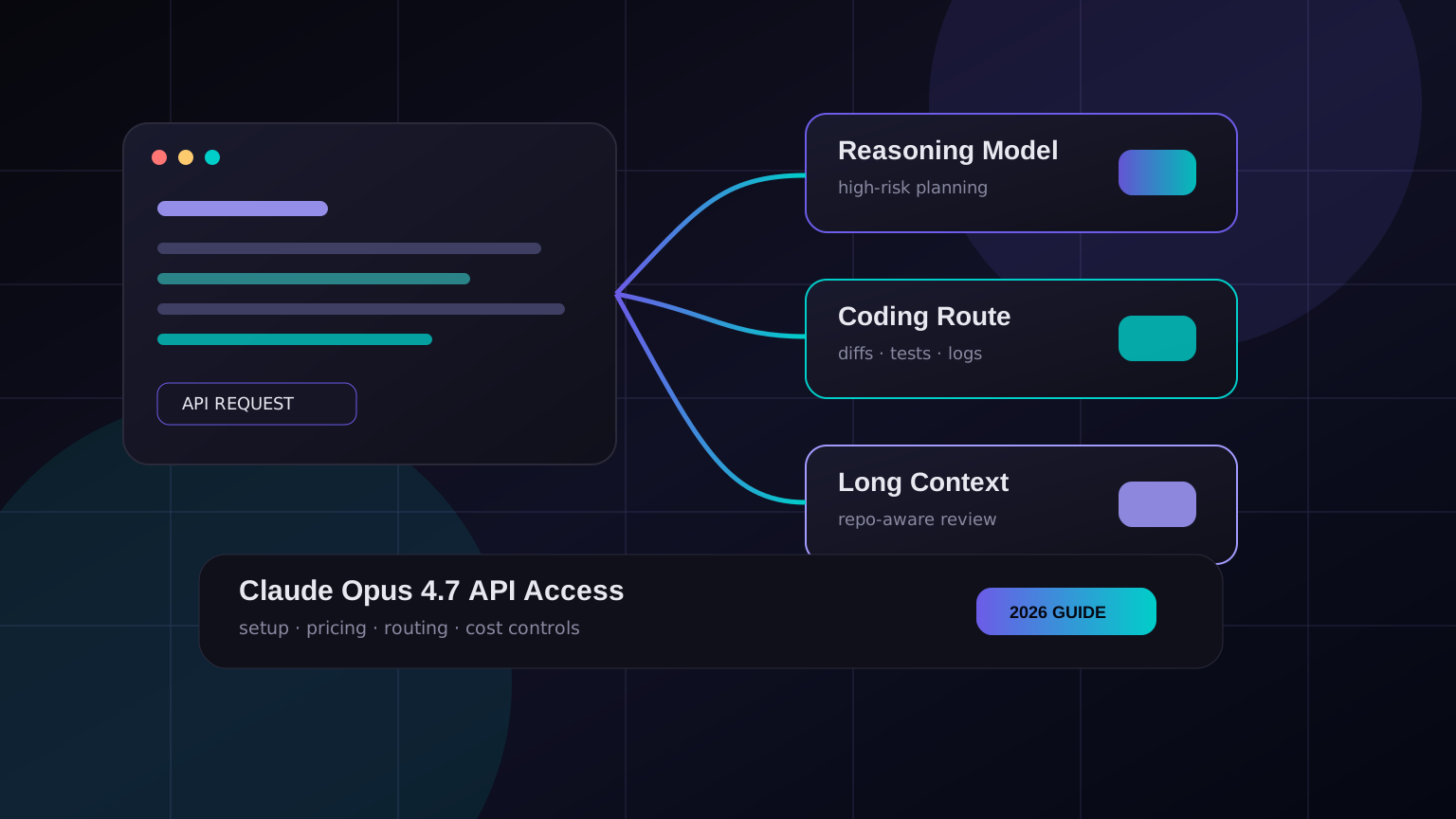
Claude Opus 4.7 is the model you reach for when a coding task has too many moving parts for the cheaper options: big refactors, architecture review, long-context debugging, and “please understand this repo before touching anything” work. It is also the kind of model that can quietly burn money if you point a coding agent at it with no routing rules.
This guide is for developers who want Claude Opus 4.7 API access without turning the setup into a week-long infrastructure project. We’ll cover when Opus 4.7 is worth using, how to call it through Anthropic-style and OpenAI-compatible endpoints, and the cost controls I’d put in place before using it in Claude Code, Cursor, CI, or an internal agent.
When to use Claude Opus 4.7
Don’t use Opus 4.7 for every request. That’s the fastest way to make a great model look “too expensive.” Use it where the extra reasoning actually changes the result.
| Task | Use Opus 4.7? | Better default |
|---|---|---|
| Multi-file refactor with hidden dependencies | Yes | Opus 4.7 |
| Debugging a flaky production incident | Yes | Opus 4.7 or Sonnet with escalation |
| Simple code completion | No | Fast coding model |
| PR summary | No | Cheap general model |
| Security review of auth/payment code | Yes | Opus 4.7, with human review |
| JSON extraction or tagging | No | Small model |
My rule: Opus is for expensive mistakes, not expensive words. If a wrong answer can break a migration, ship a subtle auth bug, or waste a senior engineer’s afternoon, pay for the stronger model. If the task is just formatting, classifying, or summarizing, route it down.
Pricing notes developers should care about
Exact pricing can vary by provider and plan, but the pattern is stable: Opus-class models cost much more than mid-tier coding models, especially on output tokens. That means your biggest bill driver is usually not “asking questions.” It’s letting agents produce long plans, long diffs, repeated retries, and full-file rewrites.
Practical budget rule: start with a per-task budget. For example, allow Opus 4.7 for one planning turn and one patch turn. If tests still fail, require a human checkpoint before another expensive call.
If you access Claude through a gateway such as KissAPI, you can keep one OpenAI-compatible endpoint for multiple models and route only the hard steps to Opus 4.7. That matters in real coding-agent workflows because the “agent” is rarely one request. It’s a chain of inspect, plan, edit, test, retry, summarize.
Option 1: Anthropic-style API call
If your provider exposes an Anthropic-compatible endpoint, the request usually looks like this:
curl https://api.example.com/v1/messages \
  -H "x-api-key: $CLAUDE_API_KEY" \
  -H "anthropic-version: 2023-06-01" \
  -H "content-type: application/json" \
  -d '{
    "model": "claude-opus-4-7",
    "max_tokens": 1200,
    "messages": [
      {
        "role": "user",
        "content": "Review this database migration for data-loss risks. Be specific."
      }
    ]
  }'
Use this style when your tool already expects Anthropic variables such as ANTHROPIC_API_KEY or ANTHROPIC_BASE_URL. Claude Code setups often fall into this bucket.
Option 2: OpenAI-compatible endpoint
Many developer tools are built around OpenAI’s SDK shape. In that case, an OpenAI-compatible gateway is simpler: keep your client library, change the base URL, and set the model name.
curl https://api.kissapi.ai/v1/chat/completions \
  -H "Authorization: Bearer $KISSAPI_API_KEY" \
  -H "Content-Type: application/json" \
  -d '{
    "model": "claude-opus-4-7",
    "messages": [
      {"role": "system", "content": "You are a senior backend engineer. Be concise."},
      {"role": "user", "content": "Find the bug in this retry strategy: ..."}
    ],
    "temperature": 0.2
  }'
This is the setup I prefer for mixed-model stacks. It works well when one app needs Claude for deep reasoning, GPT-style models for tool-heavy tasks, and cheaper models for summaries.
Python example
The official OpenAI Python SDK works with compatible gateways as long as you set base_url. Keep the model configurable so you can escalate only when needed.
from openai import OpenAI
import os

client = OpenAI(
    api_key=os.environ["KISSAPI_API_KEY"],
    base_url="https://api.kissapi.ai/v1"
)

response = client.chat.completions.create(
    model=os.getenv("REASONING_MODEL", "claude-opus-4-7"),
    messages=[
        {"role": "system", "content": "You review code for correctness and security."},
        {"role": "user", "content": "Review this auth middleware patch:\n\n..."}
    ],
    temperature=0.1,
)

print(response.choices[0].message.content)
Node.js example
Same idea in Node. The important bit is not the SDK; it’s the contract around the call: small input, clear task, bounded output.
import OpenAI from "openai";

const client = new OpenAI({
  apiKey: process.env.KISSAPI_API_KEY,
  baseURL: "https://api.kissapi.ai/v1",
});

const result = await client.chat.completions.create({
  model: "claude-opus-4-7",
  temperature: 0.1,
  messages: [
    { role: "system", content: "Act as a careful TypeScript reviewer." },
    { role: "user", content: "Review this diff for race conditions:\n\n" + diff.slice(0, 60000) }
  ],
});

console.log(result.choices[0].message.content);
Using Opus 4.7 with Claude Code
For Claude Code or similar CLI tools, start with environment variables instead of editing random config files. It’s easier to rotate keys and safer in shared machines.
export ANTHROPIC_API_KEY="$YOUR_KEY"
export ANTHROPIC_BASE_URL="https://api.kissapi.ai"
export ANTHROPIC_MODEL="claude-opus-4-7"
Then test with a narrow prompt before opening a full repository session:
claude "Read package.json and explain the test command. Do not edit files."If that works, move to a small patch. Don’t start by saying “analyze the entire repo.” That feels productive, but it usually dumps noise into the context window.
Cost controls before production
- Use escalation. Start with Sonnet or a cheaper coding model. Escalate to Opus only after a failed test, risky file match, or explicit label.
- Limit context. Send diffs, relevant files, and recent logs. Not the whole repo. Not 5,000 lines of CI output.
- Cap output. Ask for one patch or one review. Long essays are expensive and hard to act on.
- Classify errors. Retry 429 and 5xx with backoff. Do not retry 401, 403, invalid model, or context-length errors blindly.
- Log usage. Store model, tokens, latency, status code, and task type. Without this, you’re guessing.
def choose_model(task):
    if task["risk"] == "high" or task["files_touched"] > 8:
        return "claude-opus-4-7"
    if task["type"] in {"summary", "label", "changelog"}:
        return "cheap-fast-model"
    return "claude-sonnet-4-7"
A sane routing pattern
Here is a simple routing setup for coding agents:
| Agent step | Recommended model | Reason |
|---|---|---|
| Issue summary | Cheap fast model | No deep reasoning needed. |
| Repo inspection | Sonnet-class model | Good balance for reading code. |
| Patch planning | Opus 4.7 for risky tasks | Architecture mistakes are costly. |
| Patch generation | Sonnet or Opus by risk | Keep edits small either way. |
| Final explanation | Cheap model | The hard work is already done. |
This pattern is less glamorous than “one supermodel does everything,” but it holds up better in production. It gives you quality where it matters and keeps routine traffic cheap.
Start Building with Claude Opus 4.7
Use KissAPI to access Claude Opus 4.7 and other leading models through one OpenAI-compatible API, with flexible routing for coding agents, CI, and production apps.
Start Free →Bottom line
Claude Opus 4.7 is worth using for hard developer tasks, but it should not be your default for every token. Set up access once, then build a small routing layer around it: cheap model for summaries, Sonnet-class model for normal code work, Opus for the moments where being wrong is expensive.
That’s the boring answer. It’s also the one that keeps the bill under control.