Claude Opus 4.8 API in Claude Code: Setup, Env Vars & Model Switch (2026)
Claude Opus 4.8 is the model you reach for when the coding task is messy: a migration with hidden edge cases, a bug that crosses three services, or a refactor where the wrong edit quietly breaks production. It is also expensive enough that you should not point every tiny Claude Code command at it and hope the bill behaves.
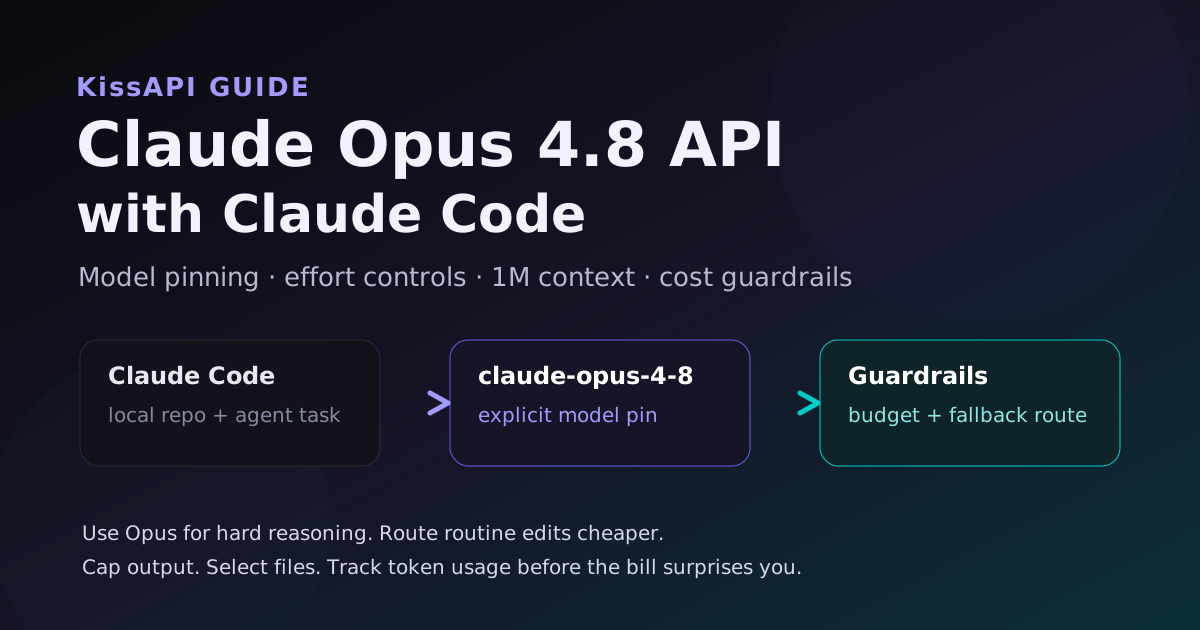
This guide shows a practical Claude Code setup for Opus 4.8 API users: how to pin the model, how to think about effort settings, when the 1M context window helps, and how to add guardrails so a long agent session doesn't eat the whole week's budget.
The short version: use Opus 4.8 deliberately. Make it your senior engineer, not your auto-formatter.
What Changed with Opus 4.8?
Opus 4.8 is aimed at harder reasoning and coding work. The official docs call out three details API users should care about:
- 1M token context on the Claude API, Bedrock, and Vertex AI, with provider differences to watch.
- 128k max output tokens, which is useful for long plans and generated files but dangerous if left uncapped.
- Adaptive thinking / effort behavior, where the model can spend more reasoning on difficult tasks. Great for hard problems. Not free.
For Claude Code users, that means the model is a strong fit for repo-wide understanding, multi-file patches, and deep debugging. It is a poor fit for every keystroke-level task. If you use it like a background linter, you're wasting money.
Step 1: Pin Opus 4.8 Explicitly
Do not rely on a short alias like opus if your goal is specifically Opus 4.8. Aliases can lag by provider or change later. Pin the full model name in your Claude Code model config or environment.
# Example: pin the default Opus model for Claude Code
export ANTHROPIC_DEFAULT_OPUS_MODEL="claude-opus-4-8"

# Optional: keep Sonnet as the everyday model
export ANTHROPIC_DEFAULT_SONNET_MODEL="claude-sonnet-4-6"
If your team uses a gateway, set the same model name in that gateway's routing table. The important part is consistency: Claude Code, CI jobs, and local shell wrappers should all resolve claude-opus-4-8 the same way.
My preference: make Sonnet the default for normal coding and call Opus 4.8 only when the task has real ambiguity. That one habit saves more money than any clever prompt trick.
Step 2: Use an OpenAI-Compatible Endpoint When Needed
Many developer tools now support custom base URLs or OpenAI-compatible endpoints. Claude Code itself is Anthropic-native, but teams often run adjacent scripts, review bots, and fallback agents through a unified gateway. That is where a service like KissAPI fits: one API account, multiple model families, and easier fallback routing when a provider is rate-limited.
For a raw Anthropic-style call, the shape looks like this:
curl https://api.anthropic.com/v1/messages \
  -H "x-api-key: $ANTHROPIC_API_KEY" \
  -H "anthropic-version: 2023-06-01" \
  -H "content-type: application/json" \
  -d '{
    "model": "claude-opus-4-8",
    "max_tokens": 1200,
    "messages": [
      {
        "role": "user",
        "content": "Find the likely cause of this flaky test and propose the smallest fix..."
      }
    ]
  }'
For OpenAI-compatible tooling around your Claude Code workflow, keep the model name explicit and the base URL configurable:
curl https://api.kissapi.ai/v1/chat/completions \
  -H "Authorization: Bearer $KISSAPI_API_KEY" \
  -H "Content-Type: application/json" \
  -d '{
    "model": "claude-opus-4-8",
    "messages": [
      {"role": "system", "content": "You are a senior code reviewer."},
      {"role": "user", "content": "Review this migration plan for data-loss risks."}
    ],
    "max_tokens": 1200
  }'
That second pattern is useful for review scripts, internal bots, and tools that already speak the OpenAI API format.
Step 3: Pick the Right Effort Level
Opus 4.8 can spend more reasoning budget on hard tasks. That's the whole point. But "more thinking" should be a switch you use on purpose, not an invisible tax on every prompt.
| Task | Recommended Model / Effort | Why |
|---|---|---|
| Rename files, update docs, small formatting | Sonnet or cheaper model | No deep reasoning needed |
| Fix a localized bug with clear logs | Sonnet first, Opus if stuck | Start cheap, escalate only when needed |
| Architecture review or migration plan | Opus 4.8, medium/high effort | Needs cross-file reasoning and risk analysis |
| Security-sensitive patch | Opus 4.8, high effort | False confidence is expensive |
If your wrapper supports an effort parameter, expose it as a CLI flag instead of hard-coding high effort. Developers should be able to run:
./ai-review --model claude-opus-4-8 --effort high ./diff.patch
./ai-review --model claude-sonnet-4-6 --effort low ./docs.patch
That tiny bit of friction is healthy. It makes the user decide whether the task deserves the premium route.
Step 4: Handle 1M Context Without Getting Lazy
A 1M context window is powerful, but it can make bad workflows look acceptable. Dumping an entire repo into one request is still slower, pricier, and harder to debug than giving the model the right files.
Use large context for:
- Understanding old systems with weak documentation.
- Comparing generated code against long specs.
- Investigating bugs where the relevant file is not obvious yet.
- Keeping a long design discussion intact before a final implementation pass.
Do not use it for:
- Every normal code review.
- Repeatedly sending unchanged vendor files.
- Log dumps where a grep would cut 95% of the noise.
Before a Claude Code run, I like this quick filter:
git diff --stat
rg "TODO|FIXME|deprecated|panic|timeout|retry" src tests
find src -name "*.ts" -o -name "*.py" | wc -l
Give the agent context, not a landfill.
Step 5: Add Cost Guardrails
Here is a simple Python wrapper that blocks accidental huge requests before they hit the API:
import os
from openai import OpenAI

client = OpenAI(
    api_key=os.environ["KISSAPI_API_KEY"],
    base_url="https://api.kissapi.ai/v1"
)

MAX_INPUT_CHARS = 120_000


def ask_opus(prompt: str, *, max_tokens: int = 1200):
    if len(prompt) > MAX_INPUT_CHARS:
        raise ValueError("Prompt too large. Summarize or select files first.")

    return client.chat.completions.create(
        model="claude-opus-4-8",
        messages=[
            {"role": "system", "content": "You are a careful senior engineer. Prefer small safe patches."},
            {"role": "user", "content": prompt}
        ],
        max_tokens=max_tokens,
    )

resp = ask_opus("Explain the safest way to migrate this auth module...")
print(resp.choices[0].message.content)
For Node.js, the same idea:
import OpenAI from "openai";

const client = new OpenAI({
  apiKey: process.env.KISSAPI_API_KEY,
  baseURL: "https://api.kissapi.ai/v1"
});

export async function reviewWithOpus(diff) {
  if (diff.length > 120_000) {
    throw new Error("Diff too large. Split the review into smaller chunks.");
  }

  const res = await client.chat.completions.create({
    model: "claude-opus-4-8",
    messages: [
      { role: "system", content: "Review for correctness, security, and rollback risk." },
      { role: "user", content: diff }
    ],
    max_tokens: 1000
  });

  return res.choices[0].message.content;
}
The point is not that 120,000 characters is magic. Pick a limit that matches your budget. The important part is having a limit at all.
Common Setup Mistakes
- Using aliases in production: Pin
claude-opus-4-8when you need exactly that model. - Leaving max output uncapped: 128k output is useful, but most coding tasks do not need it.
- Sending the whole repo by default: Large context is not a replacement for file selection.
- No cheaper default path: If every task goes to Opus, your routing policy is broken.
- No usage review: Check token usage by command type. The waste usually hides in repeated agent loops.
FAQ
Can Claude Code use Claude Opus 4.8 through the API?
Yes. Pin the model explicitly with the full Opus 4.8 model name or set the relevant Claude Code model environment variable. Avoid relying on provider aliases if you need the newest model consistently.
Should I use high effort for every Claude Opus 4.8 coding task?
No. Use high effort for architecture, debugging, migration plans, and risky edits. Use lower effort or a cheaper model for formatting, summaries, small refactors, and routine test fixes.
How do I control Claude Opus 4.8 API costs in Claude Code?
Set a default cheaper model for normal work, pin Opus 4.8 only for hard tasks, cap output tokens, summarize long sessions, track token usage, and keep a fallback OpenAI-compatible endpoint ready for budget or rate-limit spikes.
Use Opus 4.8 Without Locking Yourself Into One Route
Create a free account at api.kissapi.ai/register to test Claude, GPT, Gemini, and other models behind one OpenAI-compatible API. Start with $1 free credit and keep a backup route ready before your next long agent run.
Start Free