Gemini CLI Smart Model Routing Guide 2026: Cut Coding Agent API Costs
Gemini CLI is becoming a serious daily driver for developers because it fits where coding actually happens: the terminal. The problem is that most teams still run it like a toy. They point every request at one powerful model, then wonder why their API bill looks like a GPU rental invoice.
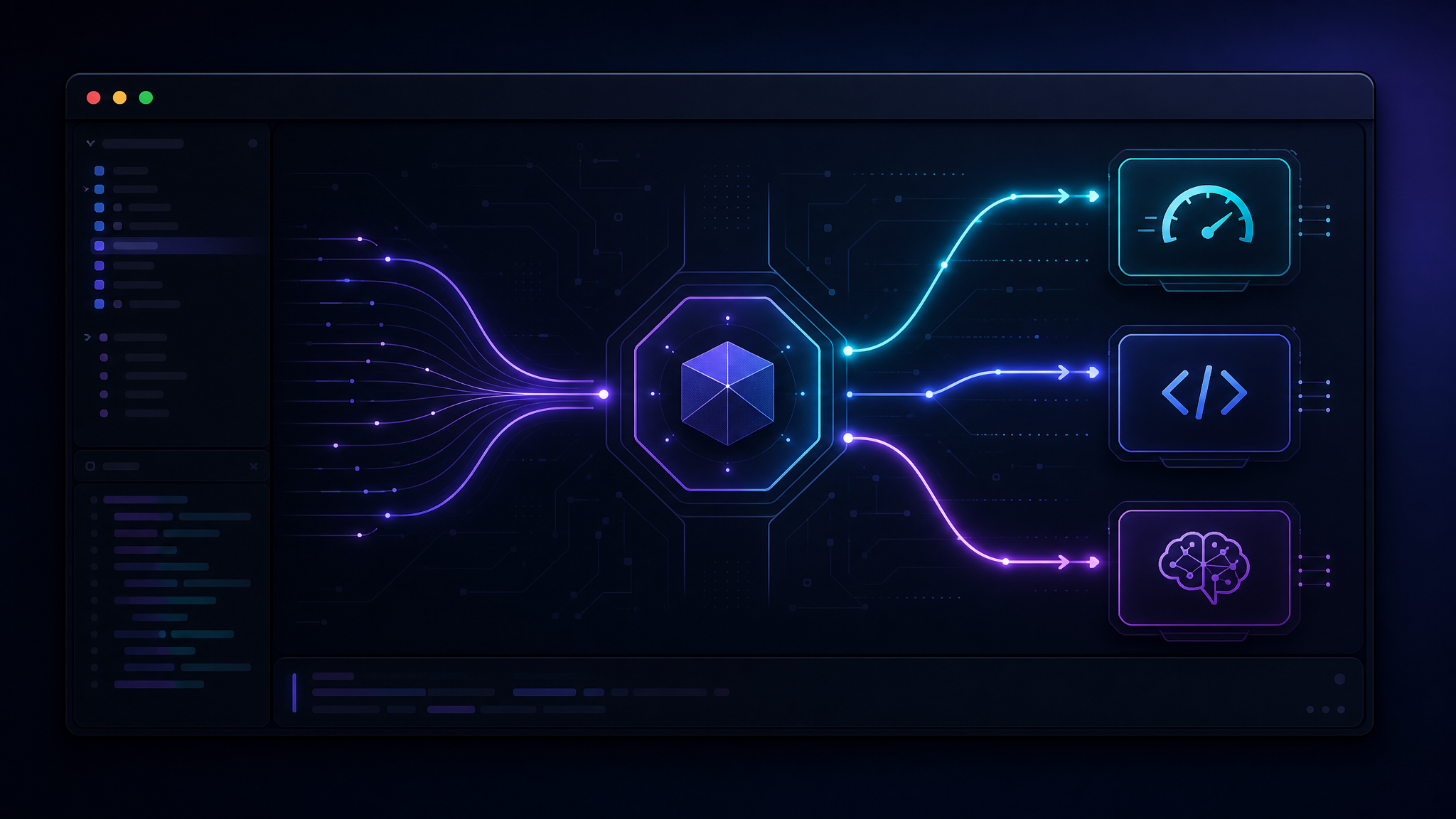
The better pattern is smart model routing. Simple tasks go to cheap, fast models. Code edits go to a strong coding model. Deep debugging and architecture reviews go to a reasoning model. If one provider hits a rate limit, you fail over instead of stopping work.
This guide shows a practical setup for Gemini CLI smart model routing in 2026 using an OpenAI-compatible gateway. The same idea works with Gemini CLI, Claude Code, Codex CLI, Aider, Cline, or your own agent scripts.
Why Route Models Instead of Picking One?
Coding agents don't do one kind of work. In a single session, they might summarize files, search for symbols, rewrite a function, run tests, inspect logs, and explain a failure. Treating all of those as “one model task” is lazy architecture.
| Task type | What it needs | Good routing target |
|---|---|---|
| File summary | Low cost, speed | Fast mini model |
| Simple refactor | Code accuracy | Coding-optimized model |
| Bug hunt | Long context + reasoning | Frontier or reasoning model |
| Log classification | High volume, cheap tokens | Small model |
| PR review | Consistency, larger context | Sonnet/Pro-class model |
The cost difference is often bigger than the quality difference. A file-summary prompt that costs pennies on a flagship model can cost fractions of a cent on a smaller model. Multiply that by every repo scan, every agent loop, and every CI review, and the waste becomes real.
The Routing Architecture
You need three pieces:
- A CLI client such as Gemini CLI or a wrapper script around it.
- An OpenAI-compatible endpoint that can expose several models behind one API key.
- A routing rule that picks the model based on task type, prompt size, or retry state.
If your gateway supports model aliases, keep the CLI config boring. Let aliases do the routing.
# Example environment for an OpenAI-compatible gateway
export OPENAI_API_KEY="your_api_key"
export OPENAI_BASE_URL="https://api.kissapi.ai/v1"

# Optional aliases used by your wrapper or agent config
export MODEL_FAST="gemini-3-1-flash"
export MODEL_CODE="claude-sonnet-4-6"
export MODEL_REASON="gpt-5-5"
export MODEL_CHEAP="deepseek-v4"
KissAPI is useful here because it gives you one OpenAI-compatible endpoint for multiple model families. That means your tooling doesn't need a different SDK for every provider. You change the model name, not the whole stack.
Install and Point Gemini CLI at a Gateway
The exact Gemini CLI flags may vary by version, so the safest approach is to use environment variables or a wrapper that calls an OpenAI-compatible chat endpoint. Here is the simple version:
npm install -g @google/gemini-cli

export OPENAI_API_KEY="sk-..."
export OPENAI_BASE_URL="https://api.kissapi.ai/v1"

# If your CLI supports OpenAI-compatible endpoints directly:
gemini --model claude-sonnet-4-6 "Review this function for edge cases"
If your Gemini CLI build only talks to Google's native endpoint, don't fight it. Wrap the tasks that need routing in a small script and keep Gemini CLI for interactive work. The routing value comes from the agent workflow, not from a sacred CLI flag.
A Minimal Router in Python
This Python router chooses a model from a few simple signals: task label, prompt length, and whether the previous call failed with a rate limit. It's intentionally boring. Boring routers are easier to debug at 2 a.m.
import os
from openai import OpenAI

client = OpenAI(
    api_key=os.environ["OPENAI_API_KEY"],
    base_url=os.getenv("OPENAI_BASE_URL", "https://api.kissapi.ai/v1"),
)

MODELS = {
    "cheap": "deepseek-v4",
    "fast": "gemini-3-1-flash",
    "code": "claude-sonnet-4-6",
    "reason": "gpt-5-5",
}

def pick_model(task: str, prompt: str, retry_after_429=False) -> str:
    if retry_after_429:
        return MODELS["fast"]
    if task in {"summarize", "classify", "extract"}:
        return MODELS["cheap"]
    if task in {"debug", "architecture", "security_review"}:
        return MODELS["reason"]
    if len(prompt) > 120_000:
        return MODELS["code"]
    return MODELS["code"]

def run(task: str, prompt: str):
    model = pick_model(task, prompt)
    try:
        return client.chat.completions.create(
            model=model,
            messages=[{"role": "user", "content": prompt}],
            temperature=0.2,
        )
    except Exception as e:
        if "429" in str(e) or "rate limit" in str(e).lower():
            fallback = pick_model(task, prompt, retry_after_429=True)
            return client.chat.completions.create(
                model=fallback,
                messages=[{"role": "user", "content": prompt}],
                temperature=0.2,
            )
        raise

print(run("debug", "Why is this test flaky? ...").choices[0].message.content)
This is not magic. It's a policy layer. Once you have it, you can use it from Gemini CLI, CI jobs, pre-commit hooks, or a local coding agent.
Node.js Version for CLI Workflows
If your toolchain is mostly Node, keep the router close to your package scripts:
import OpenAI from "openai";

const client = new OpenAI({
  apiKey: process.env.OPENAI_API_KEY,
  baseURL: process.env.OPENAI_BASE_URL || "https://api.kissapi.ai/v1",
});

function pickModel({ task, chars }) {
  if (["summarize", "extract", "classify"].includes(task)) return "deepseek-v4";
  if (["debug", "security", "architecture"].includes(task)) return "gpt-5-5";
  if (chars > 100_000) return "claude-sonnet-4-6";
  return "claude-sonnet-4-6";
}

export async function ask({ task, prompt }) {
  const model = pickModel({ task, chars: prompt.length });

  const res = await client.chat.completions.create({
    model,
    messages: [{ role: "user", content: prompt }],
    temperature: 0.2,
  });

  return res.choices[0].message.content;
}
You can then wire this into package scripts:
node scripts/agent-review.js --task security --diff "$(git diff)"
node scripts/agent-summary.js --task summarize --files "src/**/*.ts"
Routing Rules That Actually Work
Start with four rules. Don't build a tiny Kubernetes scheduler for prompts on day one.
1. Route by task difficulty
Summaries, extraction, formatting, and tag generation belong on cheap models. Debugging race conditions and reviewing auth code do not.
2. Route by context length
Long prompts often need models with stronger long-context behavior. If the prompt crosses a threshold, send it to your code or reasoning tier. Better yet, summarize first with a cheap model, then send the compact state to the expensive one.
3. Route by latency budget
Autocomplete and quick terminal help should feel instant. Architecture review can wait. Put an SLA label on each task: interactive, batch, or background.
4. Route by failure mode
On 429s, fail over. On 400s, fix the request. On 500s, retry once with jitter, then switch provider. Blind retries are how teams accidentally pay twice for the same bad prompt.
Rate Limit and Retry Pattern
A good routing setup treats errors differently:
| Status | Meaning | Action |
|---|---|---|
| 400 | Bad request, invalid model, schema issue | Do not retry blindly |
| 401/403 | Key or permission problem | Stop and alert |
| 429 | Rate limit or quota pressure | Backoff, then fallback model |
| 500/502/503 | Provider or network failure | Retry once, then fail over |
For coding agents, add idempotency at the workflow level. If an agent already created a patch, don't let a retry create a second competing patch. Save state between steps.
Cost Control Checklist
- Cap output tokens for summaries and classification. A 2,000-token answer to a yes/no question is not helpful.
- Cache stable context such as repo guidelines, lint rules, and architecture notes.
- Summarize before reasoning when the raw context is huge.
- Log model, tokens, task, latency, and error code for every request.
- Review the top 20 most expensive prompts weekly. That's where the waste hides.
Opinion: the best AI coding stack in 2026 is not “one smartest model.” It's a routing layer, a few reliable models, and strict retry rules. The teams that win won't have prettier prompts. They'll have better plumbing.
When to Use KissAPI
If you only use one native provider and never hit rate limits, a gateway may be overkill. But if you're running coding agents, CI reviews, or multi-tool workflows, a single OpenAI-compatible endpoint saves a lot of glue code. KissAPI lets you test Claude, GPT, Gemini, and other models through one API format, then move traffic as your cost and reliability needs change.
Start Routing Models in One Endpoint
Sign up for KissAPI and get free trial credits. Use Claude, GPT, Gemini, and more through an OpenAI-compatible API built for developer workflows.
Start Free →Final Setup Recipe
- Pick four model tiers: cheap, fast, code, reasoning.
- Point your CLI or wrapper at one OpenAI-compatible base URL.
- Add a tiny routing function based on task type and prompt size.
- Handle 429 and 5xx errors with fallback, not endless retries.
- Track cost per task, not just total monthly spend.
Do that, and Gemini CLI becomes part of a real production workflow instead of another expensive chat box in your terminal.