Gemini Managed Agents API Tutorial 2026: Stateful Agents, Tools, and Cost Controls
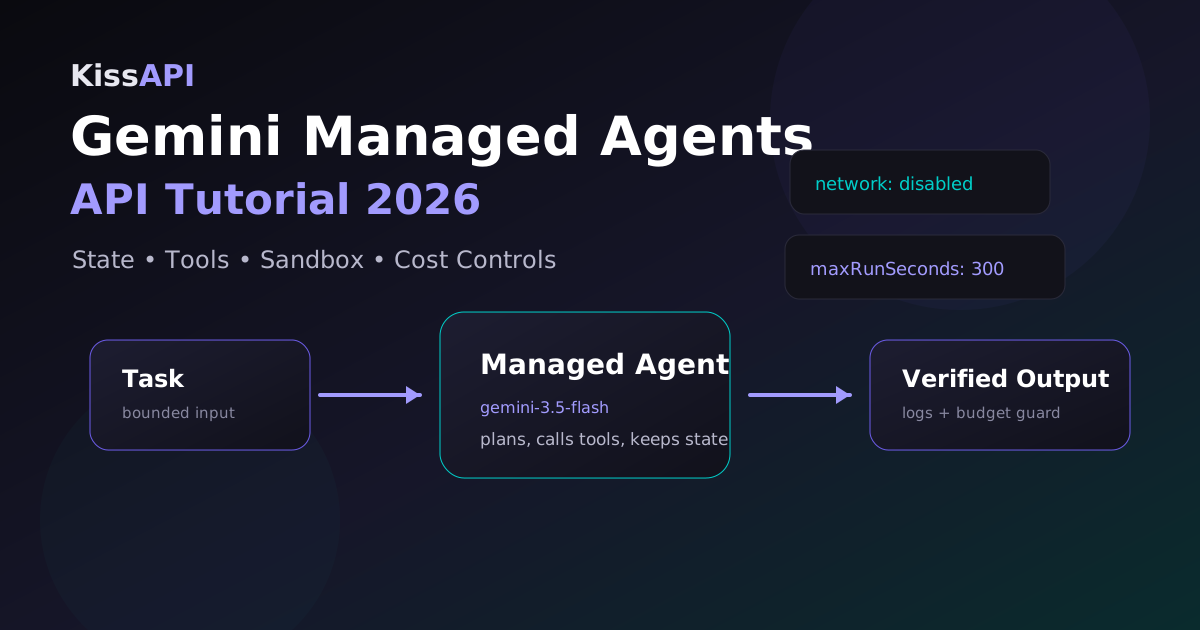
Google's May Gemini API update made one thing clear: the next API fight isn't only about smarter models. It's about where the agent actually runs. The new Managed Agents preview lets a developer create an agent that keeps state, uses tools, and executes code inside a controlled Linux environment instead of forcing you to build every loop yourself.
That's useful. It's also easy to misuse. A managed runtime doesn't magically make an agent safe, cheap, or reliable. It just moves part of the orchestration into the provider's API. You still need to design the task boundary, tool permissions, retry rules, and token budget like an engineer, not like someone tossing prompts into a slot machine.
Target keyword: Gemini Managed Agents API tutorial 2026
This guide walks through the practical architecture: when to use Managed Agents, when a normal chat/completions API is still better, and how to wire a production-ish workflow without letting an autonomous loop eat your API balance overnight.
What Managed Agents change
A normal model API call is stateless. You send messages, maybe tool schemas, maybe some files, and the model responds. If it needs to call a tool, your app receives the tool call, runs it, sends the result back, and repeats. That gives you maximum control, but you own the entire loop.
A managed agent API flips part of that model. You define the agent, its instructions, allowed tools, runtime limits, and task. The platform can keep state and execute tool steps inside a sandbox. In plain English: it's closer to hiring a worker for a bounded job than calling autocomplete one more time.
| Pattern | Best for | Tradeoff |
|---|---|---|
| Chat API | Single answers, app features, model routing | You manage memory and tools |
| Tool-calling loop | Controlled workflows, audited actions | More backend code |
| Managed agent | Longer tasks with files, tools, and state | Needs strict limits and observability |
A sane first use case
Don't start with “let the agent run my company.” Start with a task that is useful, bounded, and easy to verify. Good first projects include:
- Summarize a repo and produce an architecture note.
- Read logs, group errors, and draft a root-cause report.
- Run tests in a sandbox and suggest the smallest fix.
- Convert a CSV into validated JSON plus a short data-quality report.
Bad first projects: deploying to production, changing billing settings, emailing customers, or anything that mixes money, credentials, and write access. Keep the first agent boring. Boring agents are the ones that survive contact with production.
Basic request shape
The exact preview API may change, but the shape is usually the same: create an agent, attach tools, start a run, then poll or stream events until it finishes. In pseudocode, it looks like this:
curl https://generativelanguage.googleapis.com/v1beta/managedAgents \
  -H "x-goog-api-key: $GEMINI_API_KEY" \
  -H "content-type: application/json" \
  -d '{
    "model": "gemini-3.5-flash",
    "displayName": "repo-auditor",
    "instruction": "Audit the repository. Do not modify files. Return risks and quick wins.",
    "tools": ["filesystem.read", "shell.readonly"],
    "runtime": {"sandbox": "linux", "maxRunSeconds": 600, "network": "disabled"}
  }'
Notice the boring parts: read-only tools, a time limit, and no network. Those details matter more than the model name. Most agent failures aren't caused by weak reasoning. They're caused by vague authority.
Python: create a guarded run
Here's a small Python wrapper pattern. Treat it as structure, not copy-paste gospel; preview SDK names may differ.
import os
import time
import requests

API_KEY = os.environ["GEMINI_API_KEY"]
BASE = "https://generativelanguage.googleapis.com/v1beta"
headers = {"x-goog-api-key": API_KEY, "content-type": "application/json"}

agent = requests.post(
    f"{BASE}/managedAgents",
    headers=headers,
    json={
        "model": "gemini-3.5-flash",
        "displayName": "log-triage-agent",
        "instruction": "Analyze logs, group repeated errors, and return ranked actions. Do not call external URLs.",
        "tools": ["file.read", "python.execute"],
        "runtime": {"maxRunSeconds": 300, "network": "disabled"},
    },
    timeout=30,
).json()

run = requests.post(
    f"{BASE}/{agent['name']}:run",
    headers=headers,
    json={"input": "Triage these logs and produce a Markdown report."},
    timeout=30,
).json()

while run["state"] in {"queued", "running"}:
    time.sleep(2)
    run = requests.get(f"{BASE}/{run['name']}", headers=headers, timeout=15).json()

if run["state"] != "succeeded":
    raise RuntimeError(run)
print(run["output"])
Node.js: add a budget guard
Agent loops need a budget guard outside the model. If the provider supports native spending caps, use them. If not, enforce a run counter and timeout in your worker.
const MAX_RUN_MS = 5 * 60 * 1000;
const started = Date.now();

async function waitForRun(client, runName) {
  while (true) {
    if (Date.now() - started > MAX_RUN_MS) {
      throw new Error("Agent run exceeded local budget");
    }
    const run = await client.getRun(runName);
    if (["succeeded", "failed", "cancelled"].includes(run.state)) return run;
    await new Promise((resolve) => setTimeout(resolve, 2000));
  }
}
This looks almost too simple, but it's the difference between “the agent is working” and “why did this background task run for 47 minutes?”
Tool design rules that prevent pain
Give the agent tools like you'd give a junior engineer access to a server: least privilege first, then expand only when the logs prove it's needed.
- Separate read and write tools. A repo scanner doesn't need commit access.
- Disable network by default. If browsing is required, allowlist domains.
- Log every tool call. Store command, arguments, duration, exit code, and output size.
- Cap output. Tool results with 5 MB of logs will flood the context window.
- Require human approval for external writes. Pull requests are fine. Direct deploys are not.
Cost controls: the part people skip
Managed agents are attractive because they reduce glue code. They can also hide the token meter. A single task may involve planning, reading files, executing code, retrying, summarizing, and final formatting. That's several model calls, not one.
| Step | Model class | Why |
|---|---|---|
| File scanning | Fast/cheap | Mostly extraction and filtering |
| Planning | Strong reasoning | Bad plans waste every later token |
| Code execution review | Code model | Needs syntax and test awareness |
| Final report | Mid-tier | Clarity matters, but it isn't frontier reasoning |
If your stack uses OpenAI-compatible endpoints for normal model calls, a gateway such as KissAPI is handy for the non-managed parts: fallback, model comparison, and routing routine work to cheaper models. Use the native Gemini API for Managed Agents when you need Google's hosted sandbox; use a gateway when you need portable model calls across Claude, GPT, Gemini-style models, and coding agents.
When not to use Managed Agents
Skip Managed Agents when the task is a simple request-response feature. A support chatbot answer, a title generator, a small JSON extraction job, or a “rewrite this paragraph” button doesn't need a stateful sandbox. You'll add latency and lose control for no real gain.
Use Managed Agents when the job has a workspace: files, state, tool steps, and a finish condition that can be checked. That's the line.
Need flexible model routing for your agent stack?
Use KissAPI to test Claude, GPT, Gemini-style, and coding models behind one OpenAI-compatible API key. Start with free credits, then route by task instead of brand loyalty.
Start Free →Production checklist
- Write a one-sentence task boundary before creating the agent.
- Start with read-only tools and no network.
- Set max runtime, max tool calls, and max output size.
- Stream or poll events into logs you can inspect later.
- Keep a cheaper fallback path for simple requests.
- Require approval before the agent writes to external systems.
The winning pattern in 2026 won't be “one giant autonomous agent.” It'll be small managed agents for bounded jobs, normal APIs for fast calls, and a router that keeps cost and reliability visible. Less magic. More engineering.