Gemini 3.5 Flash API Cost Optimization Guide (2026): Route Fast Work Without Burning Tokens
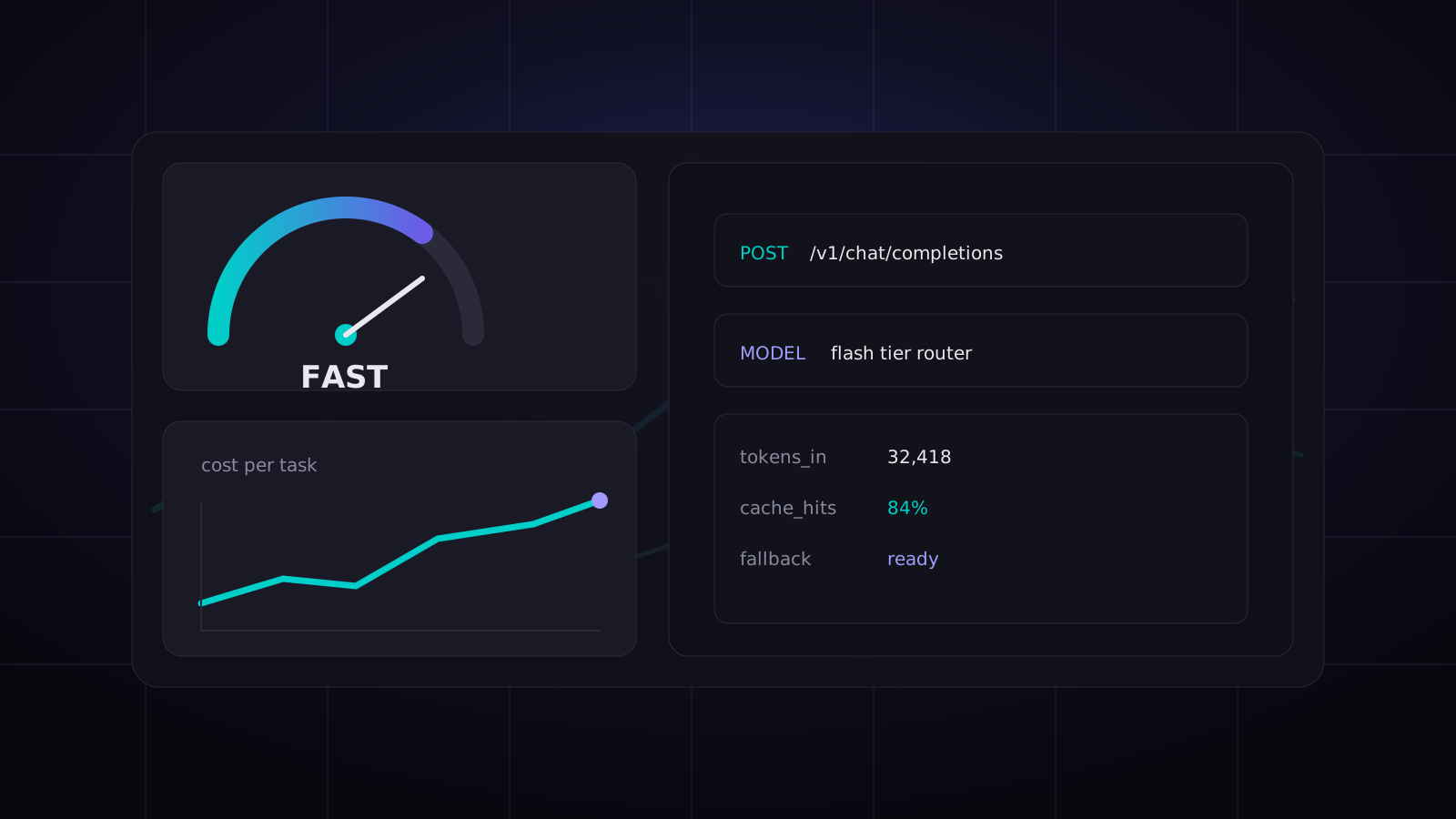
Gemini 3.5 Flash is easy to underestimate. It doesn't have the same prestige as the biggest reasoning models, but for API builders it hits a sweet spot: fast enough for interactive products, cheap enough for background pipelines, and capable enough for the boring work that quietly eats most of your budget.
The mistake is using it as a generic "cheap model". That's lazy routing. Flash models save real money when you give them the right jobs, keep prompts tight, and measure cost per successful task instead of staring at token pricing in isolation.
This guide shows a practical pattern for using Gemini 3.5 Flash in production: what to route to it, what to avoid, how to cap output, how to add fallback, and how to wire it through an OpenAI-compatible API gateway when you don't want every app to speak a different SDK dialect.
Where Gemini 3.5 Flash Actually Wins
Use Gemini 3.5 Flash for repeatable, high-volume work where latency and throughput matter more than elite reasoning. In plain English: send it the jobs that need speed and consistency, not philosophical depth.
| Workload | Good Fit? | Why |
|---|---|---|
| Support ticket classification | Yes | Short inputs, fixed labels, easy validation |
| JSON extraction from emails | Yes | Schema-bound and retryable |
| Document summarization | Usually | Great if the summary format is strict |
| Agent sub-task planning | Yes | Cheap enough for many internal steps |
| Deep codebase architecture review | No | Needs stronger reasoning and long context discipline |
| Final legal or medical judgment | No | Needs stricter review and domain controls |
My bias: don't ask Flash to be your smartest employee. Make it your fastest operations analyst.
The Cost Model That Matters
Most teams compare models by input/output token price. That's useful, but incomplete. For production, compare cost per accepted result.
Cost per accepted result = total API spend / outputs that pass validation and don't need human or stronger-model repair.
A cheaper model that fails 20% of schema checks can cost more than a slightly pricier model that passes nearly every time. For Flash, the trick is to design tasks so validation is easy: enums, short JSON objects, bounded summaries, and clear escalation rules.
Routing Rule: Start with Flash, Escalate the Weird Cases
The cleanest cost-saving pattern is a two-step router:
- Send simple, bounded work to Gemini 3.5 Flash.
- Validate the output with code, not vibes.
- If validation fails or confidence is low, retry once with a stronger model.
That gives you low average cost without pretending every request deserves the same model.
Minimal curl Example
If your provider exposes Gemini 3.5 Flash through an OpenAI-compatible endpoint, the request shape stays familiar:
curl https://api.kissapi.ai/v1/chat/completions \
  -H "Authorization: Bearer $KISSAPI_API_KEY" \
  -H "Content-Type: application/json" \
  -d '{
    "model": "gemini-3.5-flash",
    "temperature": 0.1,
    "max_tokens": 300,
    "messages": [
      {
        "role": "system",
        "content": "Extract support ticket fields. Return only valid JSON."
      },
      {
        "role": "user",
        "content": "Email: I was charged twice after upgrading. Account: pro. Please fix this today."
      }
    ]
  }'
Notice the low temperature and small max_tokens. Those two settings are boring, and they save money every day.
Python: Validate Before You Accept the Output
Here's a small router that tries Flash first, then escalates when the JSON is broken or the priority is missing.
import json
import os
from openai import OpenAI

client = OpenAI(
    api_key=os.environ["KISSAPI_API_KEY"],
    base_url="https://api.kissapi.ai/v1",
)

SCHEMA_HINT = """
Return JSON only:
{
  "category": "billing|bug|feature|account|other",
  "priority": "low|medium|high|urgent",
  "summary": "one sentence",
  "needs_human": true|false
}
""".strip()


def call_model(model: str, ticket: str):
    response = client.chat.completions.create(
        model=model,
        temperature=0.1,
        max_tokens=220,
        messages=[
            {"role": "system", "content": SCHEMA_HINT},
            {"role": "user", "content": ticket},
        ],
    )
    return response.choices[0].message.content


def parse_ticket(ticket: str):
    raw = call_model("gemini-3.5-flash", ticket)
    try:
        data = json.loads(raw)
        if data.get("priority") in {"low", "medium", "high", "urgent"}:
            return data
    except json.JSONDecodeError:
        pass

    repaired = call_model("claude-sonnet-4-6", ticket)
    return json.loads(repaired)

print(parse_ticket("I paid for Pro but my key says quota exceeded."))
The important part isn't the model names. It's the contract: Flash handles the normal path, code validates the result, and a stronger model repairs edge cases. That architecture survives model churn.
Node.js: Batch the Small Stuff
For extraction and classification, batching often beats one-request-per-item. Don't batch 500 records into a monster prompt. Batch 10–30 small items, assign IDs, and ask for an array back.
import OpenAI from "openai";

const client = new OpenAI({
  apiKey: process.env.KISSAPI_API_KEY,
  baseURL: "https://api.kissapi.ai/v1"
});

export async function classifyBatch(tickets) {
  const payload = tickets.map((ticket, index) => ({
    id: `t${index + 1}`,
    text: ticket
  }));

  const result = await client.chat.completions.create({
    model: "gemini-3.5-flash",
    temperature: 0,
    max_tokens: 700,
    messages: [
      {
        role: "system",
        content: "Classify each ticket as billing, bug, feature, account, or other. Return JSON array only."
      },
      {
        role: "user",
        content: JSON.stringify(payload)
      }
    ]
  });

  return JSON.parse(result.choices[0].message.content);
}
Batching reduces request overhead and makes rate limits easier to manage. The danger is over-batching: once prompts become too large, one malformed item can poison the batch. Keep batches small enough that retries are cheap.
Five Rules That Cut Gemini API Spend Fast
1. Cap output aggressively
Most classification and extraction tasks do not need 2,000 output tokens. Set max_tokens close to the expected response size plus a little margin. Output tokens are where sloppy prompts quietly get expensive.
2. Use enums, not prose
"Describe the urgency" invites long text. "Return low, medium, high, or urgent" is cheaper and easier to validate. This matters more at scale than people think.
3. Cache or reuse stable context
If every request includes the same policy document, product taxonomy, or support playbook, don't blindly paste it into every call. Use provider-side caching when available, or store compact IDs and fetch details only when needed.
4. Route by task, not by user tier
Enterprise customer doesn't mean every sub-task needs a flagship model. The final answer may deserve the best model. The internal tagger probably doesn't.
5. Track accepted-result cost
Log model, input tokens, output tokens, validation result, retry count, latency, and final accepted model. After a week, your routing rules will be obvious.
When to Use a Unified API Gateway
Gemini has its own API shape. Claude has another. OpenAI-compatible tools expect another. You can normalize this yourself, but it becomes annoying when your app needs routing, fallback, and cost controls across providers.
This is where KissAPI fits naturally: one OpenAI-compatible endpoint for multiple model families, so your app can swap gemini-3.5-flash, claude-sonnet-4-6, or gpt-5-5 without rewriting every integration. It's not magic. It's just less glue code, and less glue code usually means fewer production incidents.
Simple Production Checklist
- Define task classes: extraction, classification, summary, planning, final answer.
- Assign default models: Flash for cheap repeatable work, stronger models for hard cases.
- Add validation: JSON parse, enum checks, length checks, confidence thresholds.
- Set token ceilings: per task, not globally.
- Keep fallback ready: retry with a stronger model only when needed.
- Measure weekly: cost per accepted result, not just total spend.
FAQ
Is Gemini 3.5 Flash good enough for production API workloads?
Yes, for high-volume tasks like extraction, classification, summarization, enrichment, and agent sub-tasks. For deep reasoning, complex coding, or final user-facing decisions, route only the hard cases to a stronger model.
What is the best way to lower Gemini 3.5 Flash API cost?
Use task-based routing, cap max output tokens, batch small jobs, cache stable context, and measure cost per successful task instead of cost per million tokens alone.
Should I use Gemini 3.5 Flash as a fallback model?
Usually yes. It is a strong fallback for speed-sensitive tasks and burst traffic, but you should preserve schema checks and escalate low-confidence outputs to your primary model.
Build a Cheaper Multi-Model API Stack
Start with $1 free credit at api.kissapi.ai/register and test Gemini, Claude, and GPT models behind one OpenAI-compatible endpoint.
Start Free